The Twitter viewer that shows a whole conversation at once
Most people want a Twitter viewer to read tweets without a timeline in the way. To truly understand a topic on X, you need the complete conversation—the tweets, the images, and the data behind them.
Most people who look for a Twitter viewer want something simple. They want to read tweets without a timeline built for somebody else getting in the way.
Sometimes it means tracking a single profile. More often, and this is what Hash Tracker was built for, it means tracking an entire topic: every tweet about a launch, a match, a strike, or a hashtag that takes off on a Tuesday afternoon.
What a Twitter viewer should let you see
For a single account, x.com does the job. Open the profile and scroll.
For a topic, scrolling breaks down fast. Search results come back in the order X thinks you want, retweets no longer appear in search, and somewhere around the third or fourth hundred tweets you lose the thread and cannot find your way back to where the conversation started.
A topic viewer should give you everything you need in one place, with the flexibility to organize, filter, and analyze the data in whatever way works best for you.
How Hash Tracker shows you the tweets of one topic
You send a query. It can be a hashtag, a keyword, a phrase, a link, an emoji, an account, or a mix of them. Hash Tracker collects every tweet that matches through the official Twitter API, inside its compliance rules, for any period back to 2006. No scraping and no shortcuts.
The tweets come back to you in two forms.
The first is a CSV with one row per tweet. The text, the date, the language, a link to the original, the impressions X recorded for it, likes, retweets and replies, plus who posted it and how many followers they had. Open it in a spreadsheet and filter by day or by language. Or hand the file to an LLM and ask what people were actually complaining about, which is probably the fastest reading of ten thousand tweets anybody has.
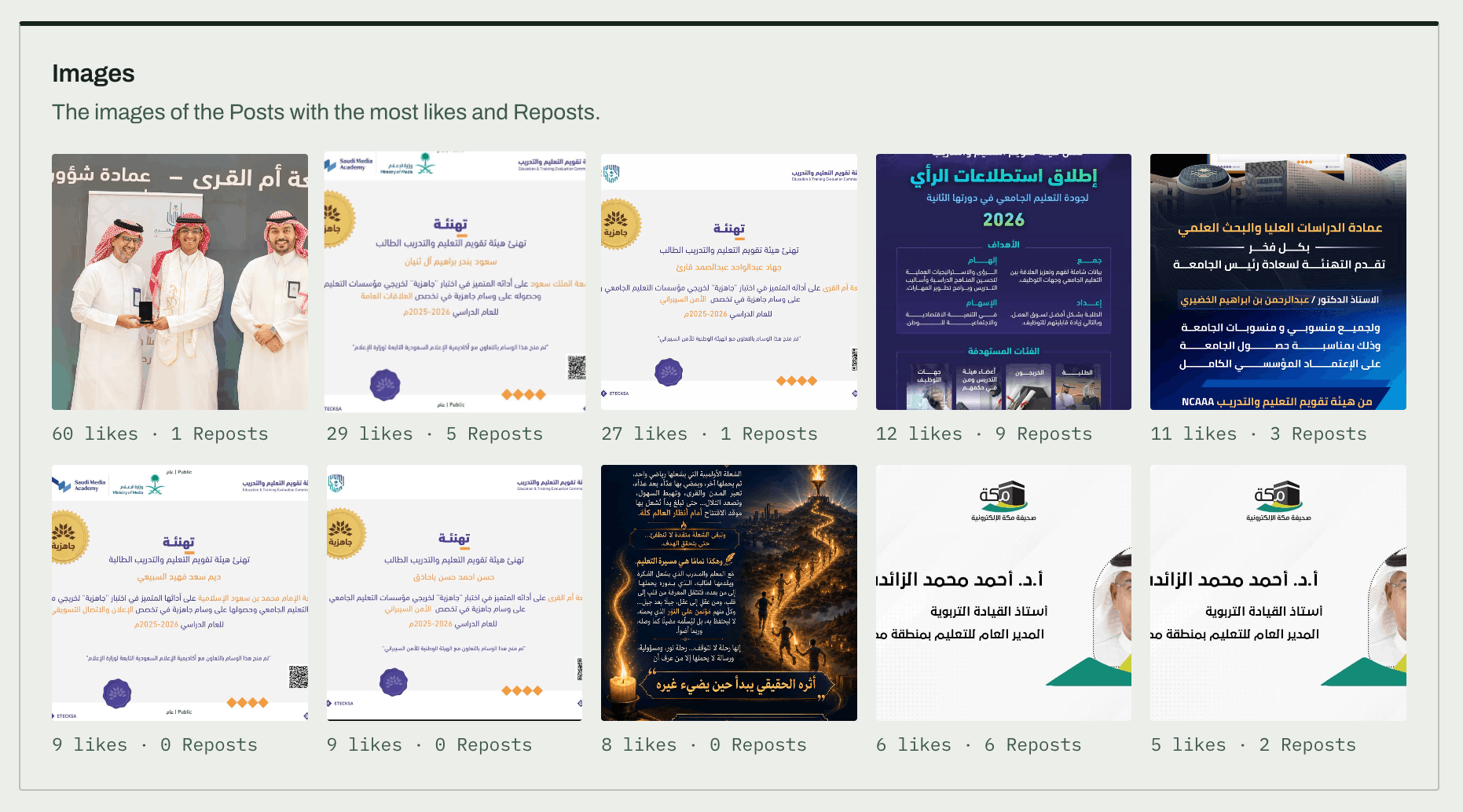
The second is the gallery inside the report, with every photo people posted. For a lot of topics that is where the story sits. A product launch lives in the pictures of the box, a concert in the shots from the crowd. Five minutes scrolling the images can tell you more than an hour of captions (not always, but often enough to try it first).
Why reading tweets is only half the job
Reading tells you what was said. It says very little about who heard it.
So every query also comes with a report built from the same rows. How many tweets, how many accounts, and how many impressions, where impressions are the figure X itself counted for each tweet. They are counted, not estimated from follower counts, which is why they are the part of the report worth arguing about.
What the stats tell you about the audience
This is where a viewer turns into something you can study.
The user rankings sort every account by impressions, engagement, activity, followers and efficiency. The account that posts the most is rarely the one that gets seen the most, and the ranking shows you who really carried the topic. Concentration tells you what share of the conversation came from a handful of accounts. The author profile breaks everyone down by account age, follower band and location.
Put those together and the tweets read differently. Say the conversation about your brand looks huge. If half the accounts behind it were created last month, that changes how you read every tweet in the file.
Then there is composition, originals against replies, tweets with an image or a link, verified accounts, languages. And the timeline, with the peak hour and the peak day, so you can line the tweets up against what happened in the real world.
When a free viewer is enough
If you only want to glance at a public profile now and then, you do not need us. Hash Tracker has no free version, and paying to look at one account would be a waste.
It earns its price when you need the whole topic, the numbers that explain it and a file you can keep. Plans are priced by tweets analysed, with unlimited reports and the full archive included.
Pick a plan and send the first query.